




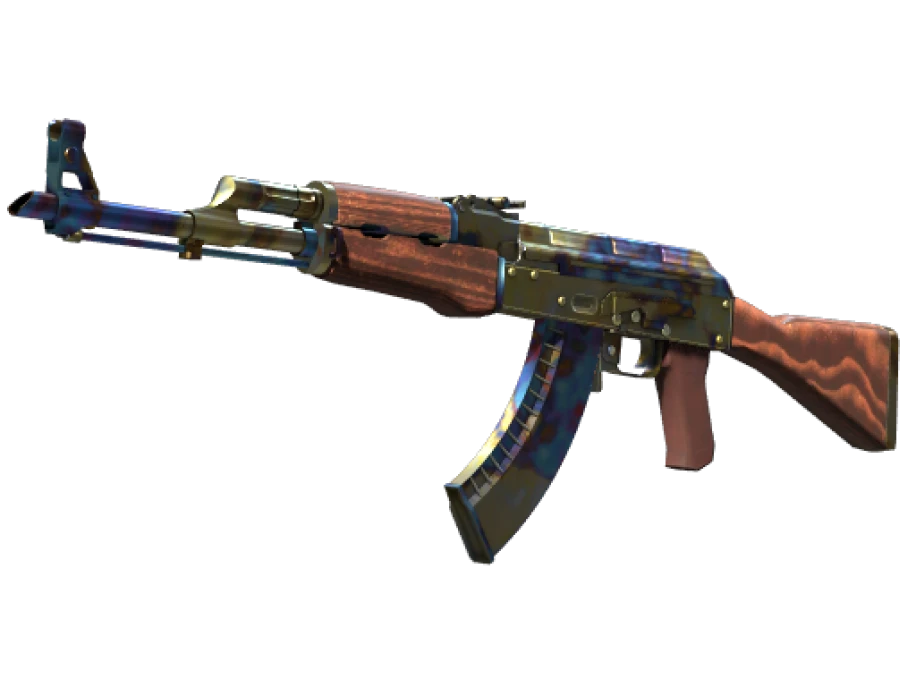
StatTrak is the small orange module bolted onto some weapons. It counts your kills with that exact item and shows the number on the gun. Nothing else about the skin changes. Same finish, same float, same pattern. The only difference between a StatTrak Redline and a normal Redline is the counter and the price.
How the counter works
The counter belongs to the item, not to your account. Each StatTrak weapon keeps its own number. Buy a second StatTrak AK-47 and it starts at zero, no matter how many kills the first one has.
A kill counts when you get it with that item on a VAC-secured server. Competitive, Premier, Wingman, Casual and Deathmatch all count. Kills on bots do not. Team kills do not. In a match the number only goes up, and nothing you do in the game can take a kill away.
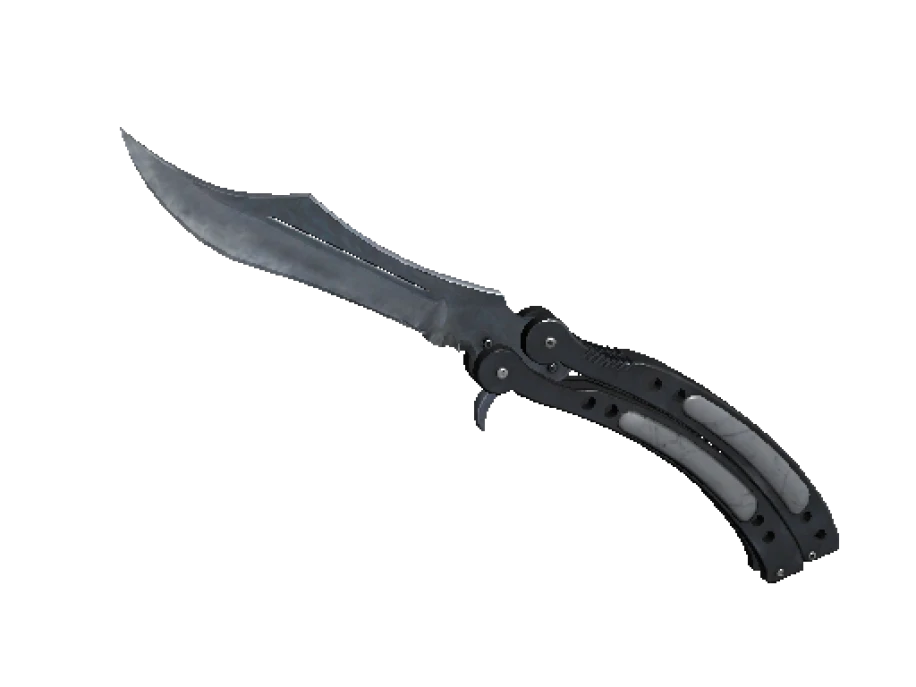
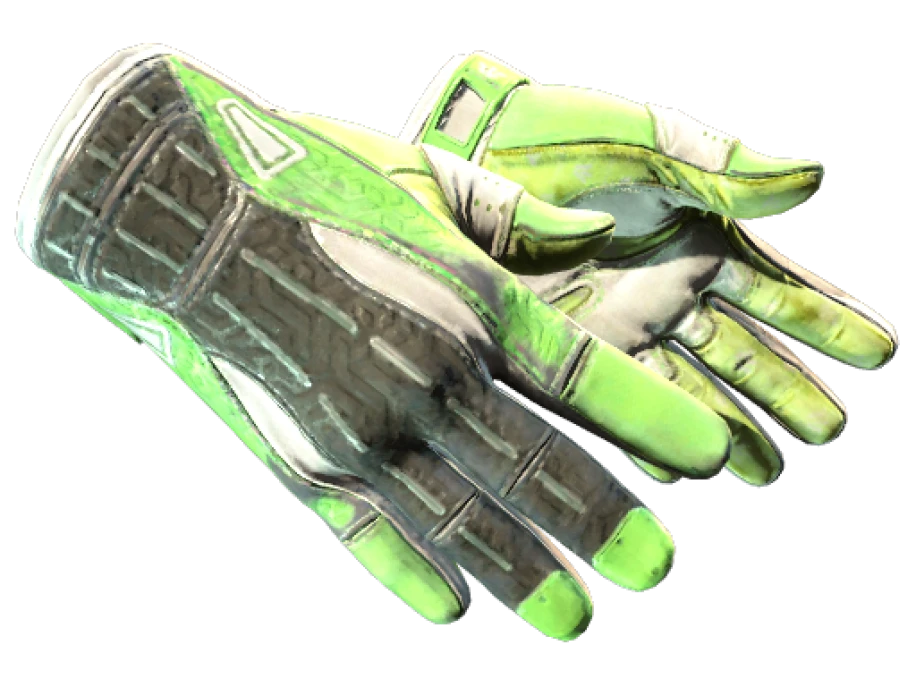
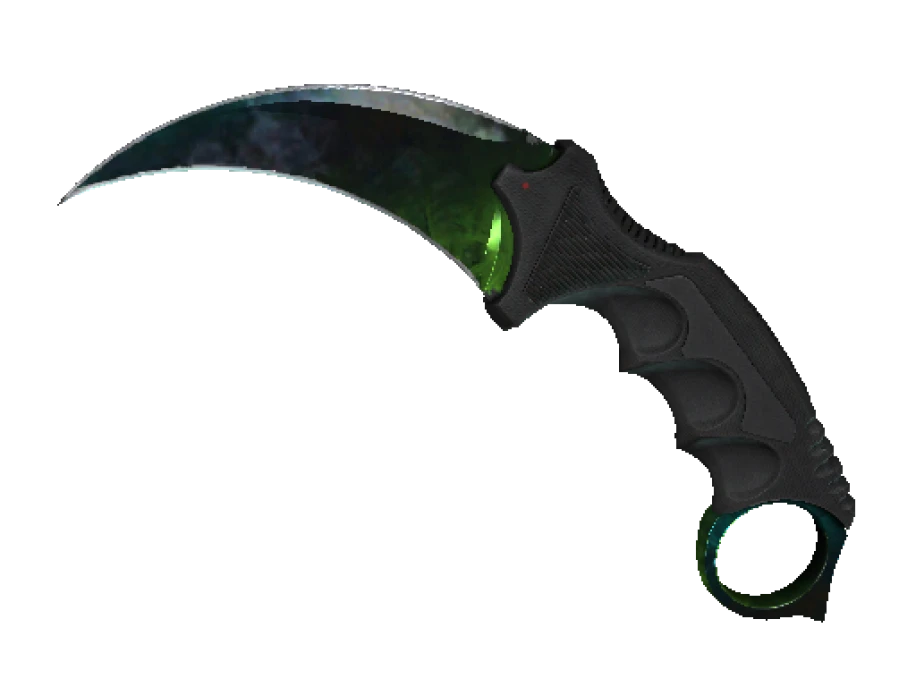
On a rifle or a pistol the module sits on the body of the weapon, in view while you hold it. On a knife the counter is a small plate on the blade. There are no StatTrak gloves at all. Music kits have a StatTrak version too, and that one counts MVP stars instead of kills.
What resets it
The counter belongs to the item, and it resets to zero when the item changes hands.
A trade, a Steam Market sale, a gift, it makes no difference. The moment the item lands in a new inventory, the number is gone. So a listing that shows a StatTrak weapon with a big kill count is describing the seller’s number, not yours. You cannot buy kills. What you buy is a counter at zero and the right to fill it yourself.
There is one way to move a number, and it is not a trade. The StatTrak Swap Tool, sold in the in-game store, swaps the counters of two StatTrak items of the same weapon type. Both items keep their finishes. Only the numbers change places. People use it to carry a high count from an old skin to a new one they like more. It works only between items already in your own inventory.
Where StatTrak items come from
- Weapon cases. A minority of the skins that come out of a case are StatTrak. This is the main source.
- Trade-up contracts. Put ten StatTrak items of the same rarity into a contract and the output is StatTrak. You cannot mix StatTrak and normal items in one contract.
- Nowhere else. Map collection drops are never StatTrak, and Souvenir items are never StatTrak. If a skin only exists in a collection, like the AWP | Dragon Lore, there is no StatTrak version of it and there never will be.
That last point explains a lot of price lists. StatTrak only exists for case skins, so the StatTrak market is a slice of the whole market, not a copy of it.
What it does to the price
StatTrak costs more. How much more depends on the weapon, the finish and the crowd that buys it. There is no fixed multiplier, and anyone who quotes you one is guessing.
| Item type | StatTrak premium | Why |
|---|---|---|
| AK-47, M4A4, M4A1-S, AWP | Large | The weapons people rack up kills with. The counter is on show every round and demand is deep. |
| Pistols | Moderate | Fewer kills per match, so fewer people care. Popular pistol finishes still carry a real bump. |
| SMGs, shotguns, machine guns | Small | Little demand for the counter itself. Some StatTrak copies sit close to the normal price. |
| Knives | Modest in relative terms | The base price is already high and the plate is small. Some buyers prefer the clean blade. |
Two more things move the premium. Cheap finishes get a bigger jump in percentage terms and a tiny one in money. And demand is not even across finishes: a skin with a following among players who grind Premier carries more of a StatTrak bump than a skin bought for the look alone.
StatTrak and the rest of the item
The module changes nothing else. Float, pattern index, sticker slots and the finish itself are identical to the normal version. A StatTrak rifle still has five sticker slots. A StatTrak knife still shows its phase or its pattern the same way. Check those the way you would on any other copy.
One detail catches people out on knives. The StatTrak plate sits on the blade, and it covers a small part of it. On a Case Hardened or a Crimson Web, look at the render and make sure the part you are paying for is not under the plate.
Before you buy
- Decide if you want the counter. If you never look at it, the normal copy is the same skin for less.
- Ignore the seller’s kill count. It resets when the item reaches you.
- Compare the StatTrak price with the normal price at the same wear. If the gap looks bigger than the table above suggests, ask why.
- Check float, pattern and stickers exactly as you would on a normal copy. The module does not change any of them.
Every lot on PrefireSkins shows its exterior and, where known, its float from inspect data, so a StatTrak copy can be checked the same way as any other. The counter you receive reads zero. The kills are yours to add.