

Money in, skin out
Payments and delivery
How you pay, when the price locks, and what happens in Steam after payment.
01Ways to pay
Methods
Every method available right now is listed at checkout, on the payment step. Pick one there. Nothing is charged before you confirm the order.
Currency
Every price on the site is in EUR. If your card is in another currency, your bank converts at its own rate.
02When the price is fixed
Category grids show a range because float, pattern, and phase move the price of the same skin. The product page shows one live number for that exact item.
That number is fixed when you open the item and it's what you pay at checkout.
03Delivery timing
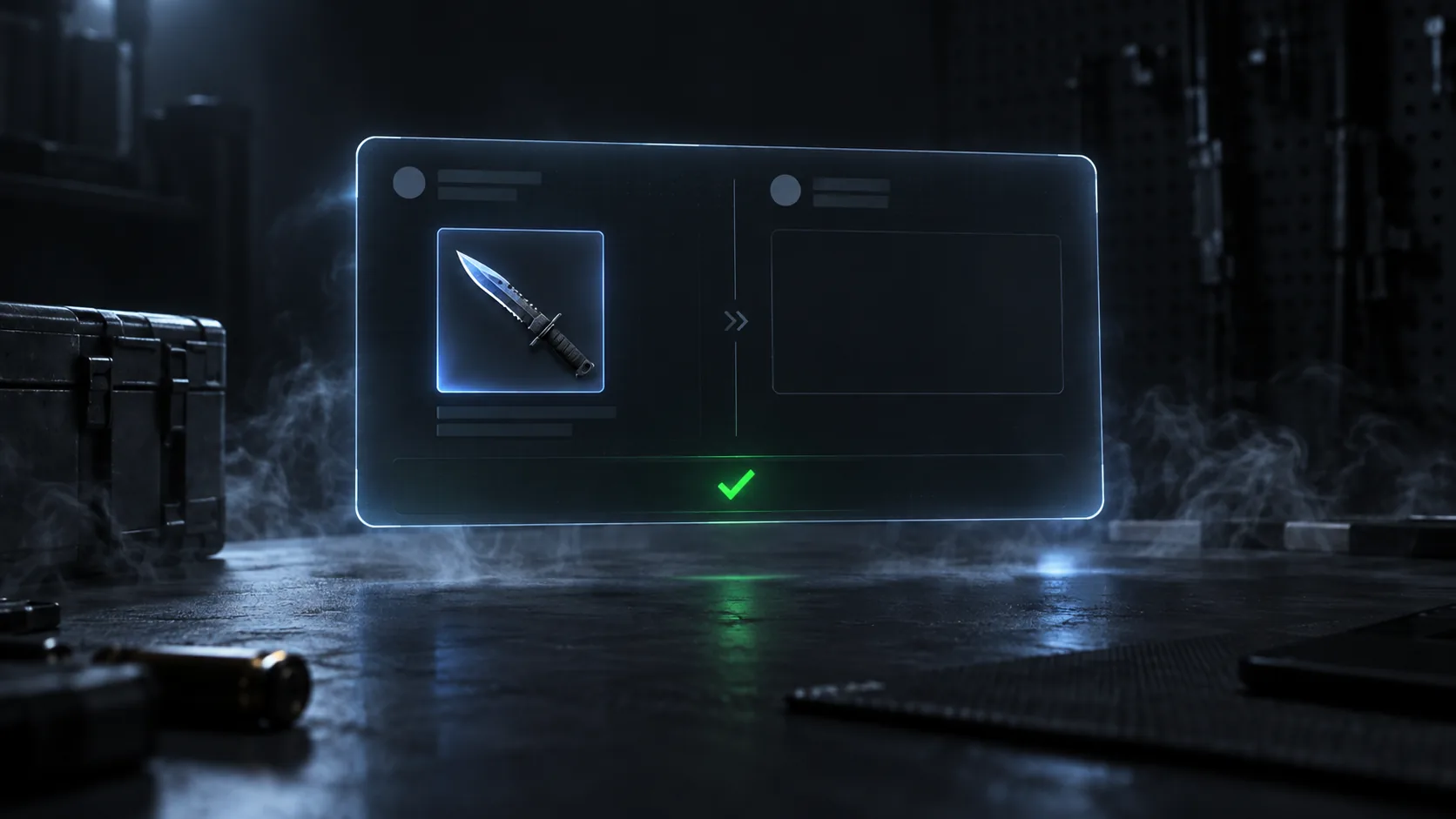
Once payment clears, we send a Steam trade offer to the trade URL from your order. That usually takes minutes.
The offer goes to the URL you typed, so check it before you pay. A wrong URL means the offer goes nowhere.
04Trade holds
Some items sit under a Steam trade hold. If the one you bought does, the offer is sent the moment the hold ends. Same item, same price, just later.
Holds on your side are a different thing. If Steam Guard Mobile Authenticator isn't active on your account, Steam holds incoming trades instead of completing them. Turn it on before you order.
05What pending looks like in Steam
Steam puts a green badge on the notification icon and lists the offer under Inventory, then Trade Offers. Open it. Our item is on the sender's side, your side is empty.
If the offer is missing, check the trade URL in your order confirmation first. If the item is under a hold, it isn't pending yet, it's waiting.
06Your invoice
A PDF invoice goes out by email with the order. It has the item, the price in EUR, and the order number. If you need it for your records, it's already in your inbox.
Still unsure about something
Delivery, holds, refunds, accounts. The FAQ covers each in a few lines.
Read the FAQ