





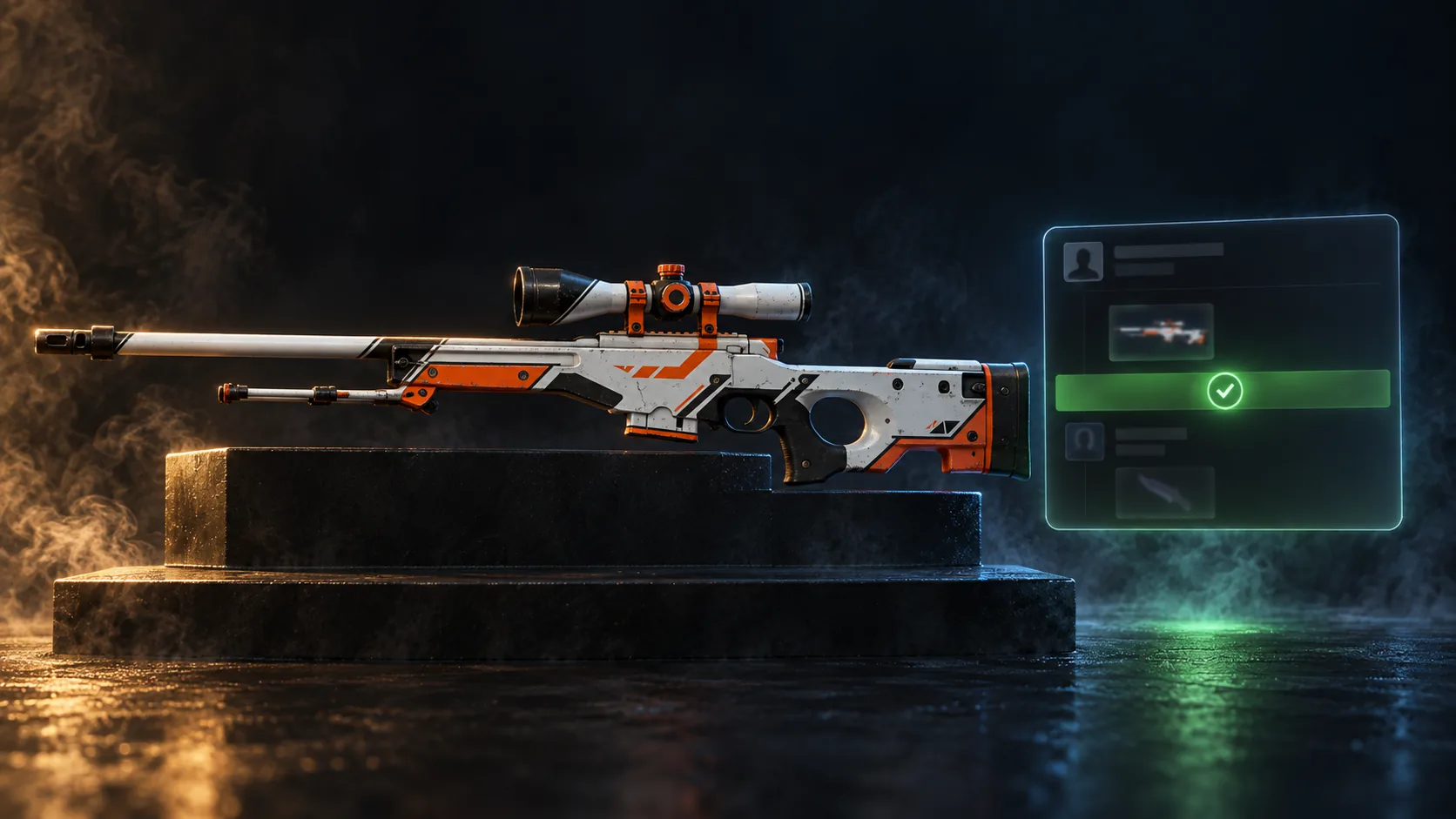
Pick, pay, accept
How it works
Four steps from a listing to your inventory. No bots to add, no items to send.
01From listing to inventory
-
01
Pick a skin
Browse by weapon, exterior, or rarity. Open the item to see the float, the pattern index, and the live price. That's the price you pay.
-
02
Check out
Enter your email and your Steam trade URL, then pay with one of the methods listed at checkout. An account is optional. It remembers the trade URL and keeps your orders in one place.
-
03
We send the trade offer
After payment the offer goes to your trade URL, usually within minutes. If the item is under a Steam trade hold, the offer is sent when the hold ends.
-
04
Accept in Steam
Open the offer. The skin is on the sender's side, your side is empty. Accept, and the skin is in your inventory.
02What you need
A Steam account
With a public inventory. Set it to public in your Steam privacy settings before you order.
Your trade URL
Steam, Inventory, Trade Offers, then the link at the bottom of the page. Paste the whole line at checkout.
Steam Guard on your phone
Steam Guard Mobile Authenticator must be active on your account. Without it, Steam holds incoming trades instead of completing them.
A way to pay
Whatever is listed at checkout. Prices are in EUR.
03What we never ask for
Not your Steam password, not your Steam Guard code, not a login through a link we send. The only thing we need from you is the trade URL. If anyone asks for more in our name, it isn't us.

Find your next skin
Knives, gloves, rifles, pistols. Every item shows its float and a live price.
Open the shop