


A knife is the first purchase most players make that they will still be looking at a year later. That is why it feels heavy. Rifle skins get swapped out. The knife stays in your hand every round, in every warmup, in every screenshot. Take your time picking one.
Start with the model, not the finish
The finish is the paint. The model is the shape and the animation, and the model is what you notice most. A finish you dislike can be traded away later. A knife shape you find awkward will bother you every time you pull it out.
Roughly, the models fall into three price tiers, and a model keeps its place in that ladder across almost every finish.
| Tier | Models | What you get |
|---|---|---|
| Top | Butterfly Knife, Karambit, M9 Bayonet | Large blade area, the most elaborate animations, the highest prices in every finish |
| Middle | Skeleton Knife, Talon Knife, Bayonet, Kukri Knife, Nomad Knife, Stiletto Knife, Flip Knife, Ursus Knife, Huntsman Knife | Good blade area and distinct animations, with a wide spread of prices inside the tier |
| Entry | Classic Knife, Bowie Knife, Falchion Knife, Paracord Knife, Survival Knife, Gut Knife, Navaja Knife, Shadow Daggers | The cheapest way into a knife, with smaller blades or plainer animations |
Which models show a finish best
A finish is painted over the whole knife, but you only see part of it in first person. The part you see is the playside. A model with a big flat blade puts more of the paint in front of you.
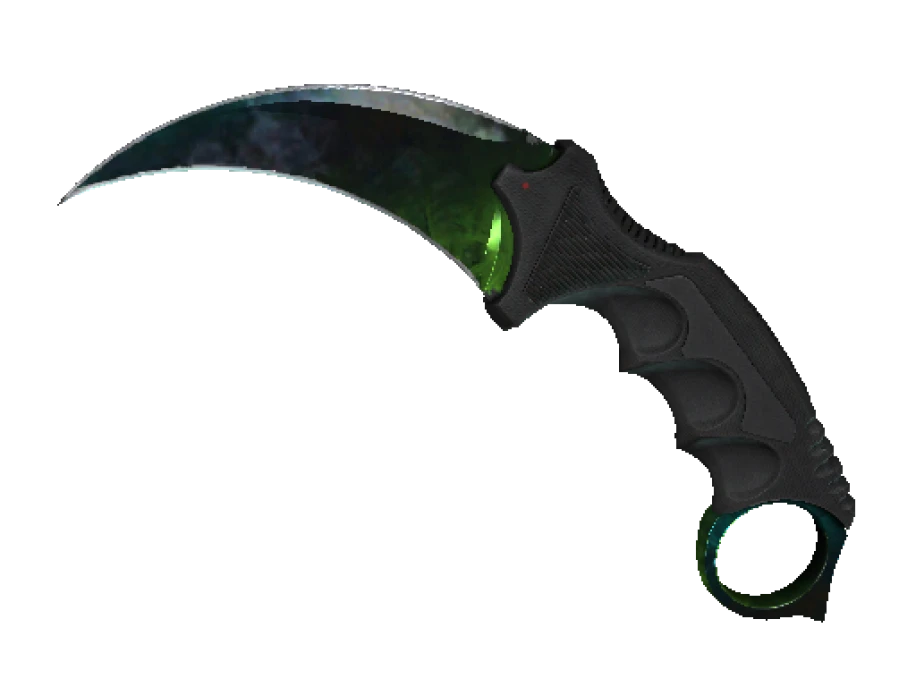
- Karambit: curved blade with a lot of visible surface. Doppler phases, Fade and Marble Fade all read well. The inspect spins it around the finger through the ring.
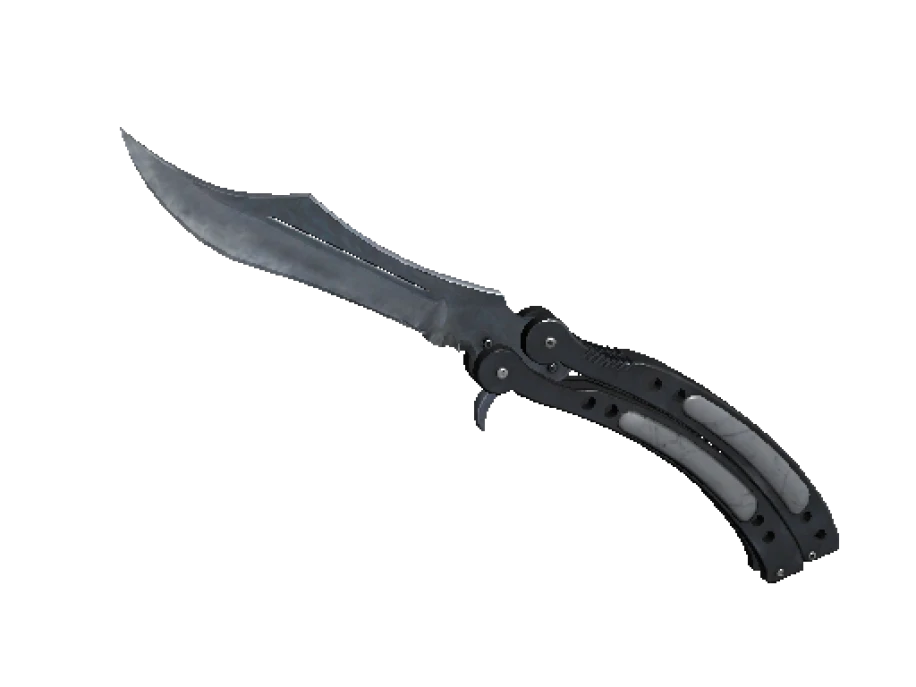
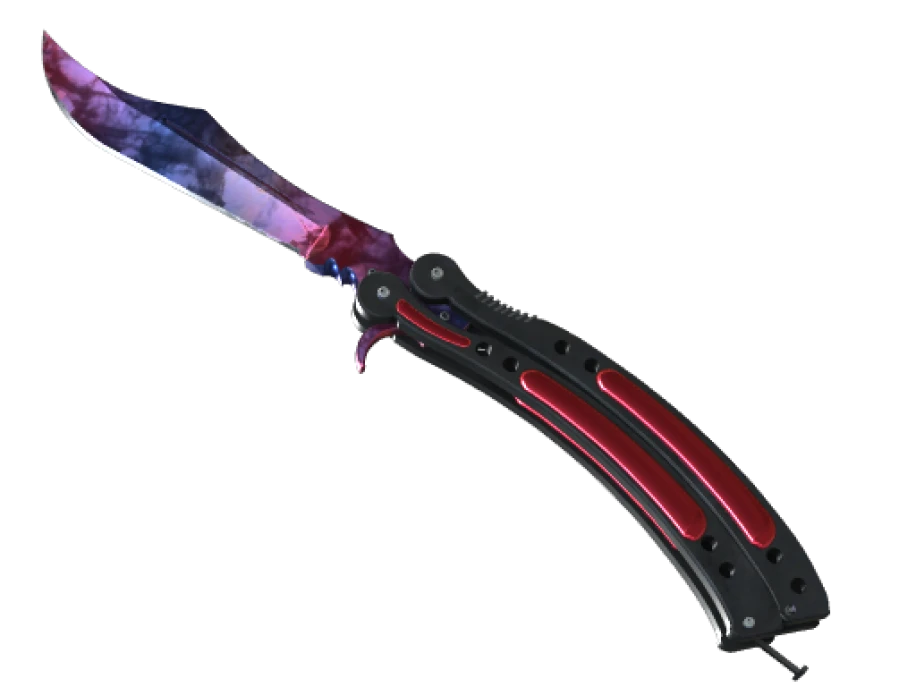
- Butterfly Knife: a large blade and a long, showy deploy. The handles fold around the blade, and on most finishes the handles are painted too, so there is a lot of finish on screen.
- M9 Bayonet and Bayonet: long flat blades. Fade, Tiger Tooth and Lore have room to spread out. The M9 is the bigger of the two.
- Flip Knife and Stiletto Knife: slim blades. A gradient looks compressed, but a solid finish like Tiger Tooth or a gem Doppler looks fine.
- Gut Knife, Navaja Knife, Shadow Daggers: small blades. Pattern-dependent finishes lose most of their point here because there is not much surface to read.
Animations are a taste
Every model has a deploy animation and an inspect animation. You will see the deploy hundreds of times a session. Before you buy, watch the model you are considering in-game or on a video, and watch it more than once. Some people love the Butterfly flourish. Others find it slow and want the Karambit’s quick spin. Some prefer the plain, fast pull of a Bayonet.
The Talon Knife has a ring like the Karambit and spins the same way, with a broader blade. The Stiletto flicks open. The Skeleton Knife twirls through its finger holes. The Huntsman and the Bowie are fixed blades with simpler animations. It is a preference, and one you cannot judge from a thumbnail.
Budget by finish, not just by model
Once you have a model, the finish sets the rest of the price. The same order holds on nearly every model.
- Camo and plain finishes such as Safari Mesh, Boreal Forest, Forest DDPAT, Urban Masked, Scorched and Stained are the cheapest. A lot of players start here.
- Dark metallic finishes such as Night, Blue Steel, Ultraviolet and Damascus Steel cost more and look clean in Factory New or Minimal Wear. They show bare steel at the edge as the float climbs.
- Painted finishes with wide float ranges, such as Slaughter, Crimson Web, Case Hardened, Lore and Autotronic, vary a lot with float and pattern, so two copies can be far apart in price.
- The flagship finishes, Fade, Tiger Tooth, Marble Fade, Doppler and Gamma Doppler, sit at the top. All of them have a narrow float range, so nearly every copy is Factory New or Minimal Wear.
Vanilla knives, the ones with no finish at all, are their own case. They have no float and no pattern, and on most models they price between the camo finishes and the flagship ones.
Wear on a knife is right in front of you
Wear shows first on the blade edge and the tip. That is exactly where your eye lands in first person. A Field-Tested rifle can hide its scratches on the far side of the receiver. A Field-Tested knife cannot.
Read the float, not just the label. Factory New runs from 0.00 to 0.07, Minimal Wear to 0.15 and Field-Tested to 0.38, and the difference between the bottom and the top of a band is visible on a blade. Open the inspect render and look at the edge before you decide.
Buy the model you want to hold, in the finish you can afford clean. A cheap finish on the right knife beats a flagship finish on a model you do not like.
Resale, honestly
People talk about knives as if they were savings accounts. They are not. A knife holds value better than a random rifle skin because the supply is small and demand is steady, but the price moves with the whole market, and selling costs money.
- The Steam Community Market takes a fee on every sale, and the money stays inside Steam.
- Third-party markets take a cut and need a buyer to show up.
- An item you have just received cannot be traded again for seven days.
So do not buy a knife as an investment. Buy one you want to use. If it holds its value, that is a bonus.
A short checklist
- Pick the model by animation and blade shape. Watch it move first.
- Pick the finish by budget, and prefer a clean copy of a cheaper finish over a scratched copy of an expensive one.
- Read the exact float and look at the blade edge in the inspect render.
- If the finish is pattern-dependent, check the playside, not the thumbnail.
- Make sure the account you are buying for can trade, so the Steam trade offer does not get stuck.
On PrefireSkins every knife listing is one specific item, with its exterior and, where the inspect data gives it, the exact float shown on the lot. Prices are in EUR. Look at the copy you are buying, not just the name.