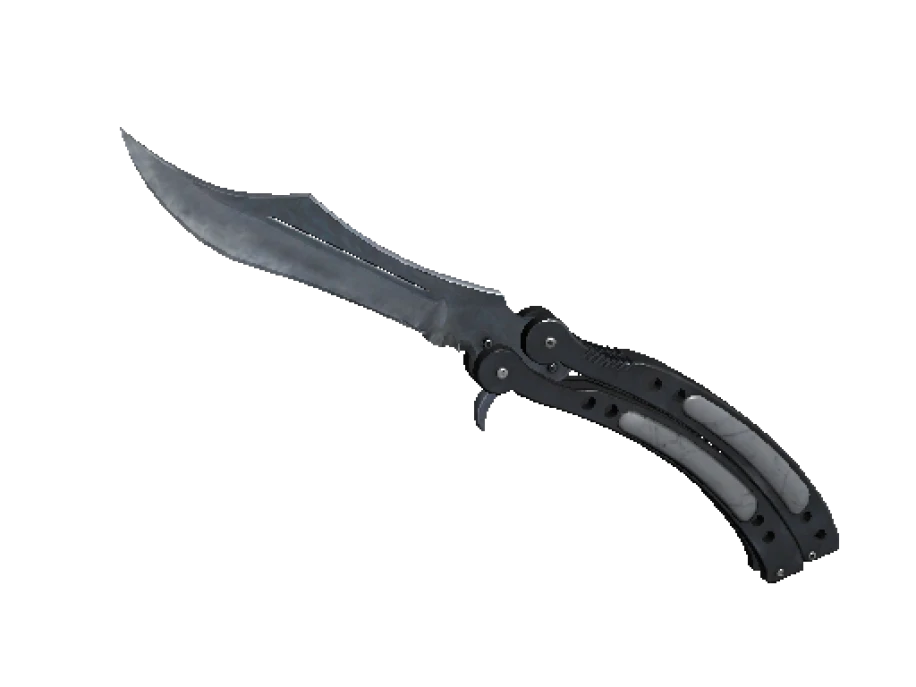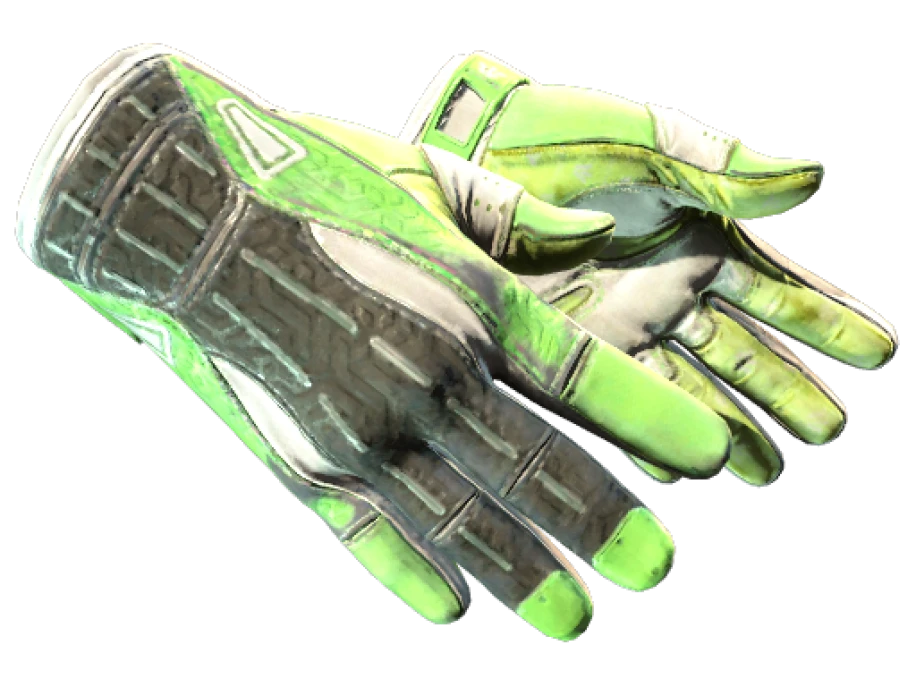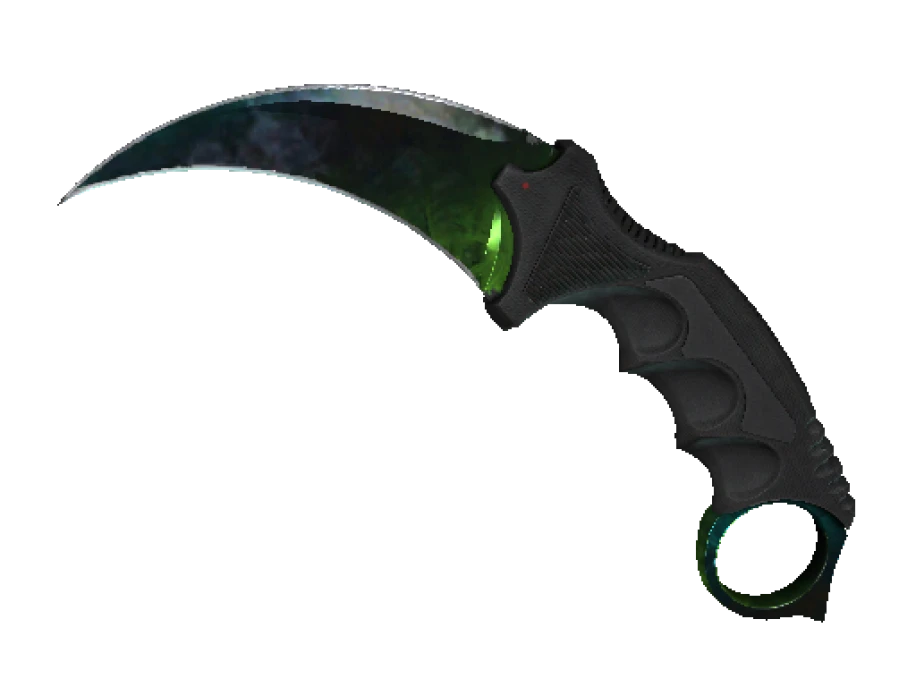






Nobody loses a knife because Steam got hacked. They lose it because they accepted an offer they should have declined, or logged in on a page that was not Steam. Every scam that works on CS2 items comes down to a short list of tricks, and every one of them fails against a few habits. Here is the list.
What a real delivery looks like
Start with the baseline. When you buy a skin and it is delivered by trade offer, the offer has the item on the sender’s side and nothing on your side. You give nothing. A genuine order offer here has the skin on the sender’s side and nothing on the buyer’s side, and the same is true of any honest seller. If an offer for something you bought asks for anything from your inventory, it is not a delivery. Decline it.
The API key scam
This is the one that empties inventories. It starts with a fake Steam login page, usually reached from a link in a chat or a site that asks you to sign in through Steam. You enter your username, password and Steam Guard code. The page passes them to the real Steam in the background, logs in as you, and creates a Steam Web API key on your account.
Nothing happens right away. The scammer waits. When you later make a real trade, their script sees the offer through your API key, cancels it, and sends a copy from an account with the same name and avatar as your real trade partner. You see an offer that looks like the one you were expecting, you accept it, and your items go to the scammer.
The fix is a page in your Steam account called Steam Web API Key. If a key is registered there and you did not create it, revoke it, change your password and sign out of all other devices. Check that page after any login you are not sure about. Most players have never needed an API key and should have none.
Impersonation
A Steam name and avatar can be copied by anyone. The account behind a profile cannot. When an offer arrives, open the sender’s profile from the offer itself and look at the account: how old it is, what level it is, whether it is the account you were dealing with. A fresh account with a familiar name is the whole trick.
Two impersonation lines to know. Nobody from Steam or Valve will contact you about your items. There is no Steam admin who needs to check an item for duplication, verify it, or hold it while an investigation runs. And no seller, including any store, ever needs your password or your Steam Guard code. The only thing a seller needs in order to deliver to you is your trade URL.
The wrong side of the offer
Read the offer as two columns. One is what you give. One is what you get. A delivery has an empty give column. A trade you agreed to has exactly the items you agreed to in the give column and nothing more. Scammers pad the give column with an extra item, swap a StatTrak for a plain copy on the get side, or send a Field-Tested where you agreed on Factory New. Read every line, including the wear in the item name, before you accept.
With the mobile authenticator active, every trade must also be confirmed in the Steam app, and the confirmation screen lists what leaves and what arrives. Read it there as well. If it differs from what you saw on the desktop, cancel it.
Fake login windows
A sign-in prompt that appears inside another website can be a picture of a window, not a real one. Try to drag it outside the browser. A real Steam login opens on steamcommunity.com or steampowered.com and behaves like a normal page. A fake one is stuck inside the page that drew it. Type the Steam address yourself rather than following a login button from a site you do not know.
Real offer, fake offer
| Check | Genuine delivery | Scam |
|---|---|---|
| Your side of the offer | Empty | Holds one or more of your items |
| Sender’s account | The account you were dealing with, checked by profile, not by name | A new account with a copied name and avatar |
| Item in the offer | Matches the listing: skin, wear, StatTrak or Souvenir where it applies | Similar name, different wear or a plain copy |
| What you are asked for | Your trade URL only | Password, Steam Guard code, a login on another site, an item to verify |
| Timing | Arrives as one offer | An offer you expected gets cancelled and a new one appears |
That last row is the API key scam showing itself. If a real offer disappears and a new one arrives moments later, stop. Check your API key page before you touch anything.
Habits that keep you safe
- Log in to Steam only on the Steam address you typed yourself. Never through a button on a site you reached from a chat.
- Check the Steam Web API Key page now and after any login you are unsure about. Revoke anything you did not create.
- Keep the mobile authenticator on the account and read every confirmation on the phone, not just on the desktop.
- Judge the sender by the profile, not the name.
- Never accept an offer that takes something from your side unless you agreed to that exact item.
- Never hand over your password or a Steam Guard code to anyone, for any reason.
- When an offer looks off, decline it and ask the seller. An honest seller would rather resend than lose you.
If an offer takes anything from your side, it is not a delivery. Decline it.
An order from PrefireSkins arrives as a Steam trade offer sent to the trade URL you entered at checkout, with the skin on the sender’s side and your side empty. If anything about an offer looks different from that, do not accept it. Write to support@prefireskins.com with the order number and sort it out first.