




The Steam Community Market is where most people first learn what a skin costs. It is also where most people first misread a price. Two fees sit on top of every sale, the money never leaves Steam, a bought item cannot move for a week, and the price graph shows the price of a name, not the price of an item. Here is what each of those means in practice.
Two fees, both on top
When you list an item, Steam asks for the amount you want to receive. It then adds two fees and shows the buyer the total. The first is the Steam transaction fee, which applies to every item on the Market from every game. The second is the game fee, which the game’s publisher sets for its own items, and for CS2 it is larger than the Steam fee.
So the price the buyer pays is the seller’s amount plus the Steam fee plus the game fee. Both fees come out of the buyer’s payment before the seller sees anything. If you look at a listing and think of the number as what the seller gets, you are reading it wrong. And if you are the seller, the figure you see in the search results is not what lands in your wallet.
The fees are charged again on every resale. An item that changes hands three times on the Market pays the pair of fees three times.
Where the money goes
A sale on the Community Market pays into the Steam Wallet. That balance buys games and items on Steam. It cannot be withdrawn, sent to a bank or moved to another account. For a lot of players that is fine. For someone selling a knife to cover a bill, it is the whole problem. The Market is a way to turn one Steam item into another Steam purchase, and nothing else.
The 7-day hold on purchases
An item bought on the Community Market cannot be traded or relisted for seven days. It sits in your inventory, it can be equipped and used in matches, but it cannot leave. The same seven-day rule applies to items received in a trade. The clock starts when the item arrives.
This closes the door on fast flipping. Buy something cheap on a Monday and you can list it the following Monday at the earliest, with a week of price movement in between and a second round of fees when it sells.
Holds on the seller side
Listing is only instant when the account has had the Steam Guard Mobile Authenticator active for a while. Without it, Steam holds the listing before it goes live, and the hold runs for days, not hours. The rule is the same one that governs trade offers, so an account set up for trading is already set up for the Market.
What the price history hides
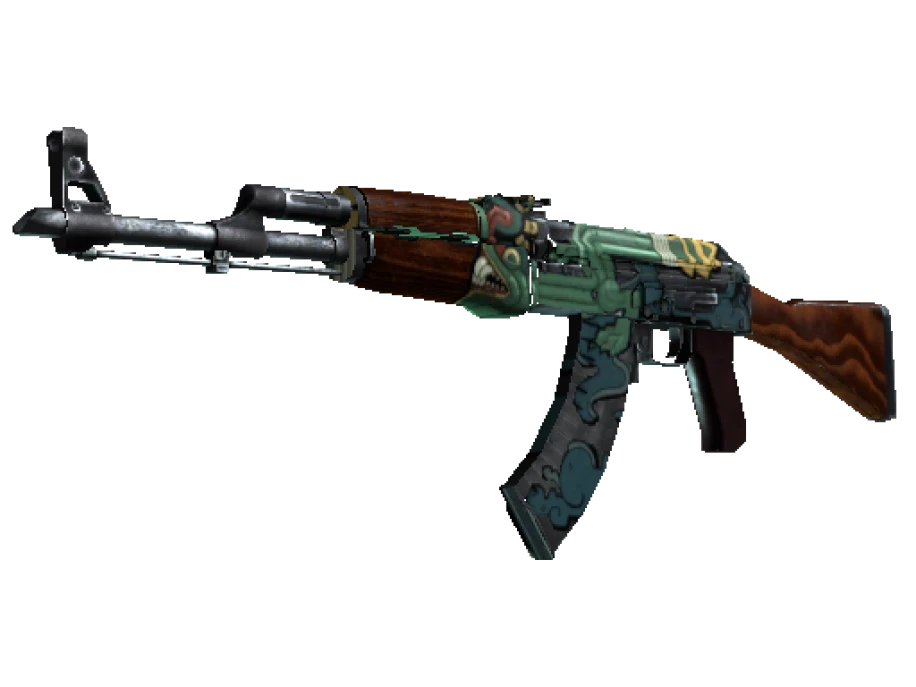
Open any item and you get a graph of sales over time, a median price and a volume. That graph is built from every sale of items with that exact name. For CS2 that means the weapon, the finish and the wear label. Nothing else.
The name does not carry the float. A 0.15 Field-Tested and a 0.37 Field-Tested feed the same line. The name does not carry the pattern index, so a blue gem and a plain copy of Case Hardened at the same wear are one item to the graph. It does not carry stickers, and it does not carry the Doppler phase. Every one of those details moves the real price, sometimes by a multiple, and the graph flattens them all into one median.
The effect runs both ways. A rare pattern that sold high pulls the median up for everyone. A pile of near-maximum-float copies that sold cheap pulls it down. The number in the middle belongs to an average item that may not exist.
Reading the numbers
| What Steam shows | What it actually is |
|---|---|
| Starting at | The cheapest listing right now, fees included. Often the worst float or pattern on offer. |
| Median sale price | The middle of recent sales for the name, ignoring float, seed, stickers and phase. |
| Highest buy order | What someone will pay instantly for any copy of the name. The floor, not the value. |
| Volume | How many sold in the period. High volume means the median is stable. Low volume means one odd sale can bend it. |
The gap between the highest buy order and the cheapest listing is the spread. On a common skin it is thin. On a rare one it can be wide, and the median floats somewhere inside it without telling you where the next sale will land.
What the Market cannot list
There is a ceiling on how much a single listing can ask for. Items worth more than that ceiling cannot be listed at all, which is why the most expensive knives, gloves and rare patterns trade outside Steam. Their Market history, where it exists, shows the copies that fit under the cap, and those are not the copies setting the price.
Comparing a Market price with anything else
- Start from the median, then adjust for what the name leaves out: float, pattern, phase, stickers.
- Remember that the buyer’s price includes both fees and that the seller’s take is lower. Compare like with like.
- Count the week. A Market purchase cannot be traded for seven days, so a price that assumes you can resell quickly is wrong.
- Check the volume. A median built on a handful of sales is a guess.
The median is the price of the name. Your item has a float, a seed and stickers the name does not mention.
This is why a specific copy can sit well above or below the Market line and still be fairly priced. On PrefireSkins every lot is one item, priced in EUR, with its exterior and, where known, its float from inspect data shown on the page. Compare it with the Market by comparing the item, not the name.